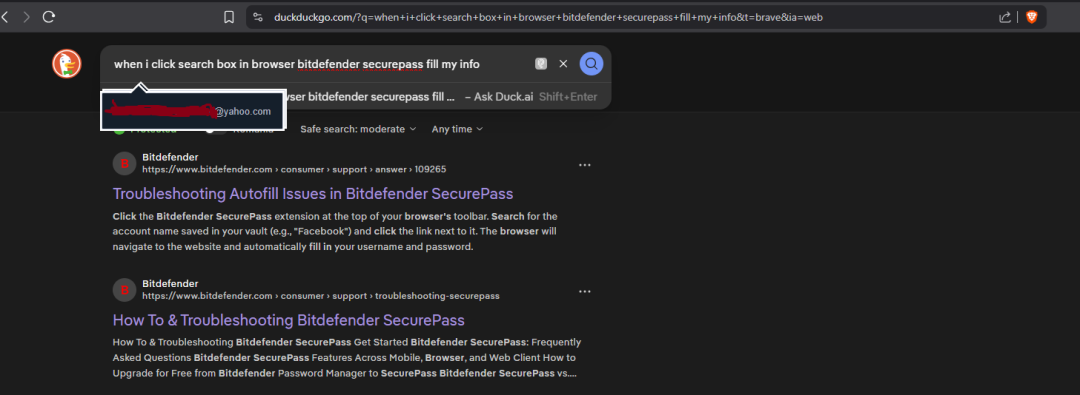
Hello,
When I try to type something in browser search box, SecurePass brings to front a pop-up (in fact there are two on top of each other) with my info. I don't want to search for my personal info in browser. How can I stop it from appearing?
Similar issue here: SecurePass keeps putting in my username and or e-mail into every open box on websites asking for an e-mail, which are usually tied to marketing/spam requests. How do I turn this off
Thank you bringing this to our attention, we will work on a fix and release it in the next few weeks. Unfortunately, the builds for the next extensions release are already in review in the stores and can't be changed anymore, we will include this in the following release.
Thank you.